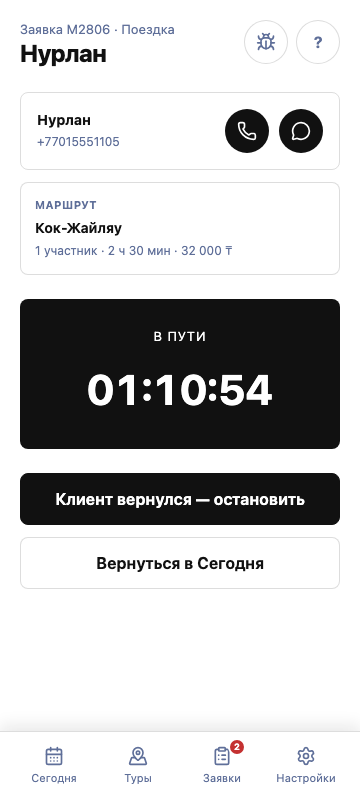

Start a trip
Start the trip after the customer arrives. Jolbar records the actual start time.
01
Open the confirmed request
In “Requests”, select the booking scheduled for the current time.
02
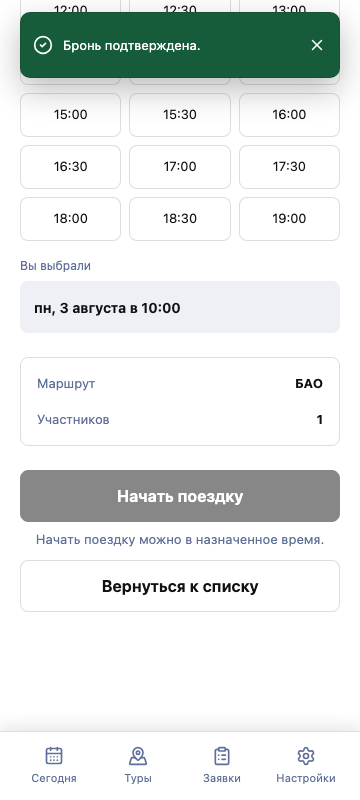
Check the details
Verify the route, number of participants, and agreed time.
03
Select “Start trip”
The request becomes an active trip and the timer appears on screen.