

Finish a trip
Stop the trip when the customer finishes the route. Jolbar records the actual duration.
01
Open the active trip
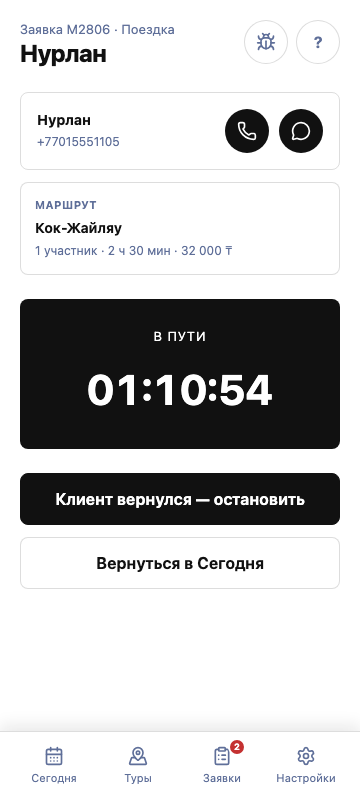
The request shows the “On the way” status and a running timer.
02
Select “Customer returned — stop”
Confirm completion only after the customer has finished the trip.
03
Check the result
The completed trip remains in history and is included in the rental results.