

Add prices to the starter routes
Jolbar includes three starter routes after registration. Add prices, then publish your rental link.
01
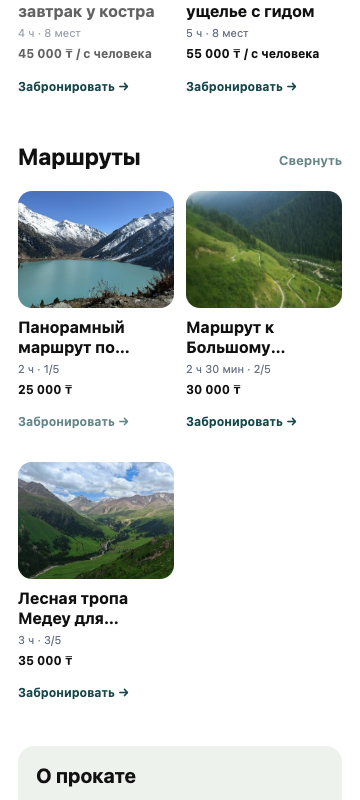
Check the starter routes
Three routes are already available on the rental page after registration — you only need to set their prices.
02
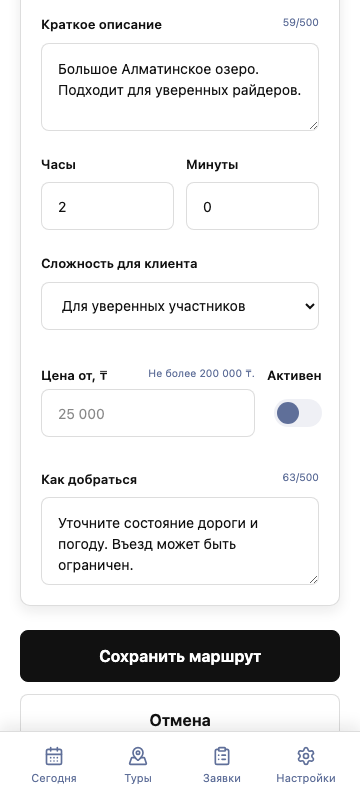
Enter the price
Open a route, fill in the “Price, ₸” field, check the duration, and enable the route.
03
Save the route
After saving, the route and its price become available to customers on your rental page.