
Find your rental link
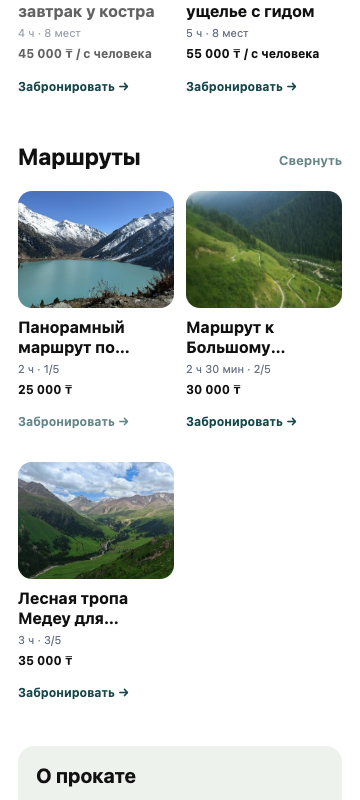
The public link opens your rental page with routes, information, and the request form.
01
Open settings
Go to “Settings” and select “Customer page and rental details”.
02
Open the customer page
Select “Open customer page”, then copy the address from the browser.
03
Check and share the link
Review the page as a customer, then add the link to Instagram, WhatsApp, 2GIS, or another channel.