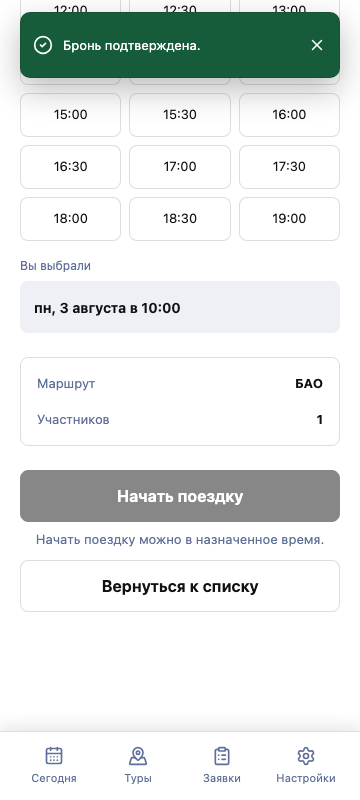

Process a new request
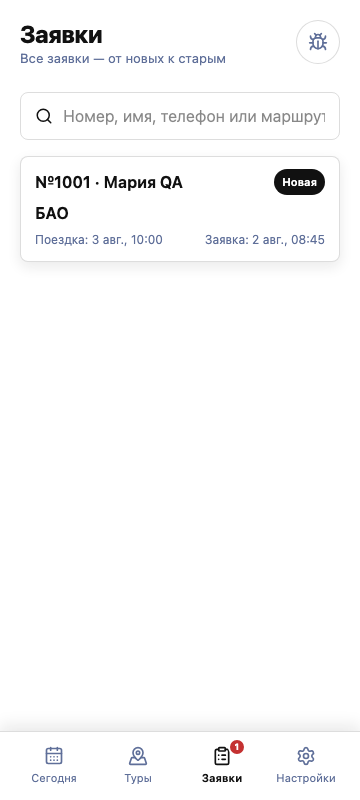
A new request appears in “Requests”. Open it, contact the customer, and record the agreement.
01
Open the new request
Go to “Requests” and open the card with the “New” status.
02
Contact the customer
Use the call or WhatsApp action and confirm the route, time, and number of participants.
03
Confirm the booking
Choose the date and time. Jolbar will prepare the confirmed request for the trip start.