
Create a request manually
When a client calls or messages a manager, create the request manually in Jolbar. It enters the same workflow as a request from the public page.
01
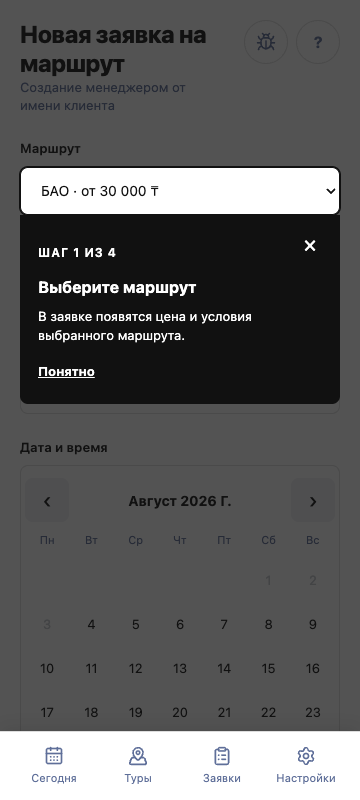
Create a route request
Open Requests, tap “+”, choose a route, and enter the client, date, time, and participant count.
02
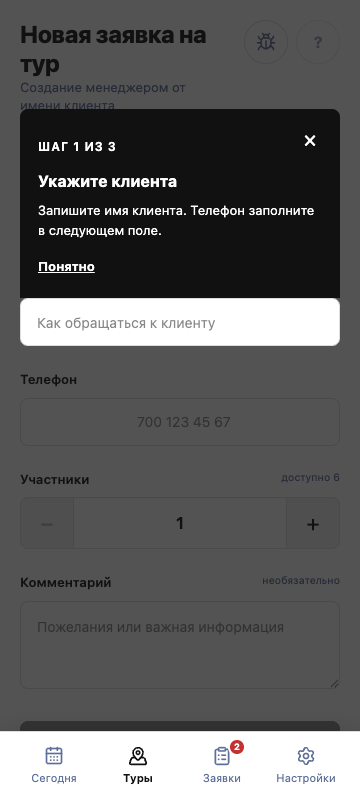
Create a tour request
Open the required tour departure, tap “+” next to requests, and enter the client and participant count.
03
Replay guidance when needed
Guidance appears once. After it is completed or closed, it will not open automatically; use “?” in the form header to replay it.